How to Make a Restaurant QR Menu You Can Change Without Reprinting
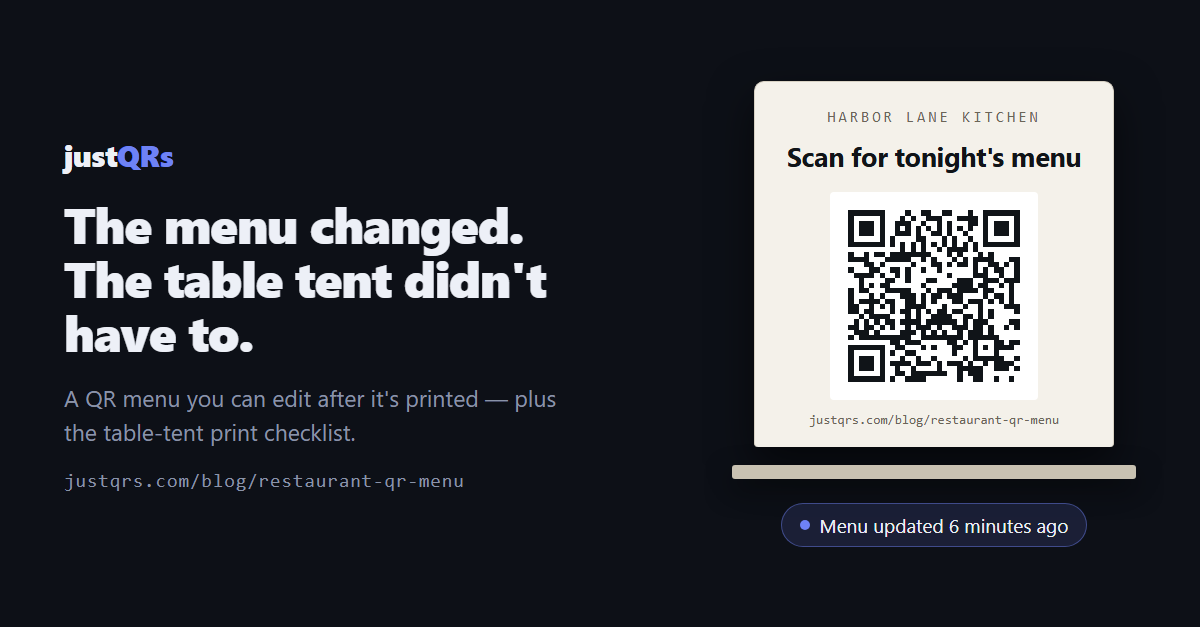
The kitchen ran out of halibut at 7:40 on a Friday. It took someone four seconds to wipe it off the chalkboard. The sixty table tents printed back in April — pointing at a PDF nobody can edit from the pass — kept selling it until close.
That's the whole problem with most restaurant QR menus. Not the code. The plumbing behind it.
Why QR menus go stale
Almost every broken QR menu breaks in one of three ways.
The code points at a file instead of a place. Someone uploaded menu-fall-v3-final.pdf
somewhere, and the QR code encodes that exact filename. New menu, new file, new link — and
the old code now leads to a dead page or, worse, last season's prices.
The code was made on a free generator that routes through its own domain. Plenty of "free" QR tools quietly send even their static codes through a redirect they own. It works beautifully until the free tier expires or the company pivots, and then every table tent in the room is a dead end. A code you printed is a promise you can't take back.
Nobody owns it. The code was generated by the designer who did the summer flyers, on their personal account, and now they're not answering email in October.
All three come down to the same mistake: the printed code was tied to something temporary.
Print an address, not a document
The fix is to separate the thing you print from the thing that changes.
A dynamic QR code encodes a short permanent link that you control. The scan hits that link and gets forwarded wherever you're currently pointing it. The pattern on the table tent never changes. The menu behind it can change nightly.
That single property is what makes a QR menu safe to print in quantity. Seasonal menu, price update, sold-out item, the switch from lunch to dinner service — all of it becomes a 30-second edit instead of a print job.
Static codes are still right for some things. Your Wi-Fi credentials, the phone number for takeout, a review link that will outlive the business — those destinations don't change, so encode them directly and pay nobody. Any service pushing you to a paid code for a Wi-Fi card is selling you something you don't need.
What actually belongs behind the scan
A guest holding a phone one-handed at a table has about eight seconds of patience.
- Best: a fast mobile menu page. Plain text and headings, no PDF viewer, no pinch-zoom. If your website has a menu page that reads well on a phone, that's your destination.
- A PDF works, but keep it light. Export at web resolution, aim for a couple of megabytes, and check it opens without a pinch-zoom fight. A 20MB print PDF on a full dining room's Wi-Fi is a guest waiting on a spinner.
- Never link to a cloud-drive preview. Google Drive, Dropbox, and OneDrive share links can prompt for sign-in, ask to open an app, or break when someone reorganizes a folder.
- Never link somewhere that demands an app install. The scan is the transaction; asking for more loses the table.
- Keep a printed menu available. A QR menu is a convenience, not an accessibility strategy — some of your guests can't or won't use it.
The table-tent checklist
Print this part out and give it to whoever sends the files to the printer.
- Size for the distance. A working rule of thumb: the code should be about one-tenth as wide as the distance it's scanned from. Table tent at arm's length — 1 inch (2.5 cm) minimum, and 1.5 inches is comfortable. Window decal read from the sidewalk — much bigger than feels necessary.
- Leave the quiet zone. Clear margin all the way around, roughly four modules wide. Crowding the code with a border or a logo is the single most common cause of a code that "sometimes" works.
- Dark code on a light background. Inverted (light-on-dark) codes scan unreliably on older camera apps. Keep contrast high and skip the tinted overlays.
- No photograph underneath. Menu photos behind a code look great in the mockup and fail at the table.
- Send vector to the printer. SVG or PDF, never a stretched-up PNG from a web download.
- Ask for matte lamination. Gloss under pendant lighting throws glare directly into the camera.
- Place it where a seated guest's phone already is. On the face of the tent at eye level, not lying flat under a plate. Window codes at hand height, not above the door.
- Say what the scan does. "Scan for tonight's menu" outperforms "Scan me" every time.
- Print a short fallback URL underneath. Someone's camera will fail. Give them a way in.
- Test a proof at final size on an old Android phone, a current iPhone, and one dim corner table before the run goes to press.
Give each placement its own code
This is the step most restaurants skip, and it's free signal.
The dining-room tent, the window decal, the takeout-bag sticker, and the bar's drinks list can all point at the same menu — but if each one is its own code, the scan counts tell you which surface actually earns its printing. Name them for where they live ("Tent — dining room", "Window — Main St") so the analytics page reads like a floor plan instead of a list of URLs.
Then check it once a month. If the takeout sticker outscans the window decal four to one, you've just learned where next quarter's print budget goes.
Where justQRs fits
- Static codes are free forever. Design a Wi-Fi or review code in the browser at justqrs.com/free-qr-code-generator and download PNG or SVG with no signup, no watermark, and no expiry. Print-ready PDF export and a saved library of your codes come with a free account.
- Dynamic menu codes are one flat subscription — $9.99/month or $89/year for 500 dynamic codes with unlimited scans, five team seats, and scan analytics (scans and daily uniques over time, plus country, city, device, OS, and browser; raw events kept 13 months, aggregates forever).
- No website? Upload the menu PDF and justQRs hosts it as a mobile-friendly page behind the code. Swap the file whenever the kitchen does — the printed code doesn't move.
- Multiple locations or per-table codes? Bulk-import a CSV, up to 100 rows at a time, and every code comes out named and tracked.
- If you stop paying, your printed static codes keep working. Dynamic codes are stored, not deleted — they pause redirecting until you're back, and everything you designed stays yours.
A free justQRs account designs and downloads static QR codes forever — no watermarks, no expiry. And if you want codes you can edit and track, every feature is free for 7 days, no card required.
Need a QR code? Generate a static code free — no account — or see what dynamic codes cost.